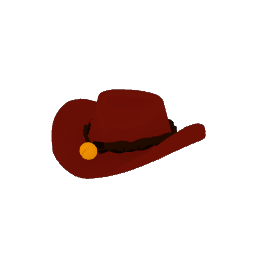
Hats
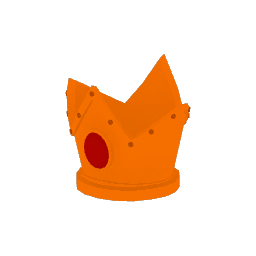

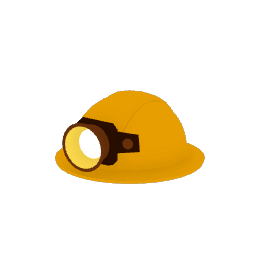
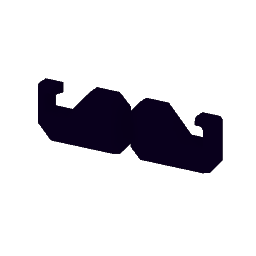
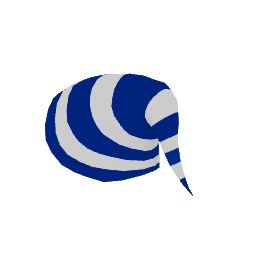

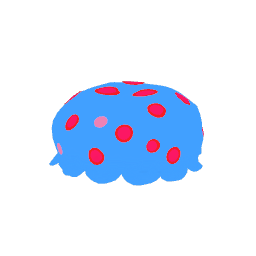
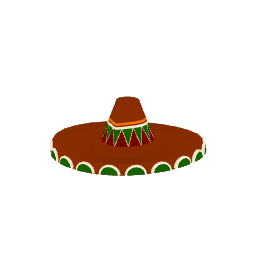
High-Level Overview: A dual-purpose inventory and economy system: headwear is cosmetic customization for the player characters, and some of it doubles as key items needed to unlock particular areas of the game. Hats come in two categories, purely cosmetic and minigame hats. When playing a specific minigame, the hats related to that minigame are auto-equipped on the characters.
Framework
To structure distribution and player spending paths, retail is split into three deployment methods across the game world.
| Retail Method | Location | Inventory Type | Currency Required |
|---|---|---|---|
| Hat Shop | Hootsworth's Hat Shop (Hub World) | Master index of all unlocked hats; features dedicated display pedestals to showcase inventory. Can go upstairs into the "changing room" to try on different hats | Sand Dollars, Pearls, Medals, Golden Tickets |
| Hat Stalls | Regional Mini-Hub Worlds | 3 zone-specific Mini-Game Hats required to bypass local minigame blocks. | Sand Dollars |
| Hat Rugs | Hidden deep within individual Level Stages | Unmanned magical Persian rugs holding 3 purely cosmetic, level-themed options. | Sand Dollars and Pearls |
Implementation Breakdown
1. UI Tooltip Overlay
Proximity Trigger: When a player approaches a display pedestal, stall space or rug and enters the interaction radius of a specific hat, a small UI overlay floats directly above the item.
UI Window Contents: The overlay shows three things:
Hat Name: The item's name.
Purchase Cost: The price, rendered next to its currency icon (Sand Dollar, Pearl, Medal or Golden Ticket counter; see Systems - Collectables).
2D Hat Icon: A clear graphic preview of the hat.
2. Buying a hat
Entering the interaction radius enables a context prompt, and pressing the input button confirms the purchase instantly. The game checks the player's save data to confirm their currency count meets or exceeds the cost. If it does, the funds are deducted from the player's profile, the hat is permanently unlocked, and the player is offered the option to equip it on the spot.
3. What the shelf does afterwards
Mesh Swapping: On a successful purchase, the physical 3D hat model is removed from its spot.
Placeholder Replacement: An "Out of Stock" sign is swapped in to show that the retail slot has been cleared.
UI Deactivation: The floating tooltip for that spot is permanently disabled, preventing further interaction.